
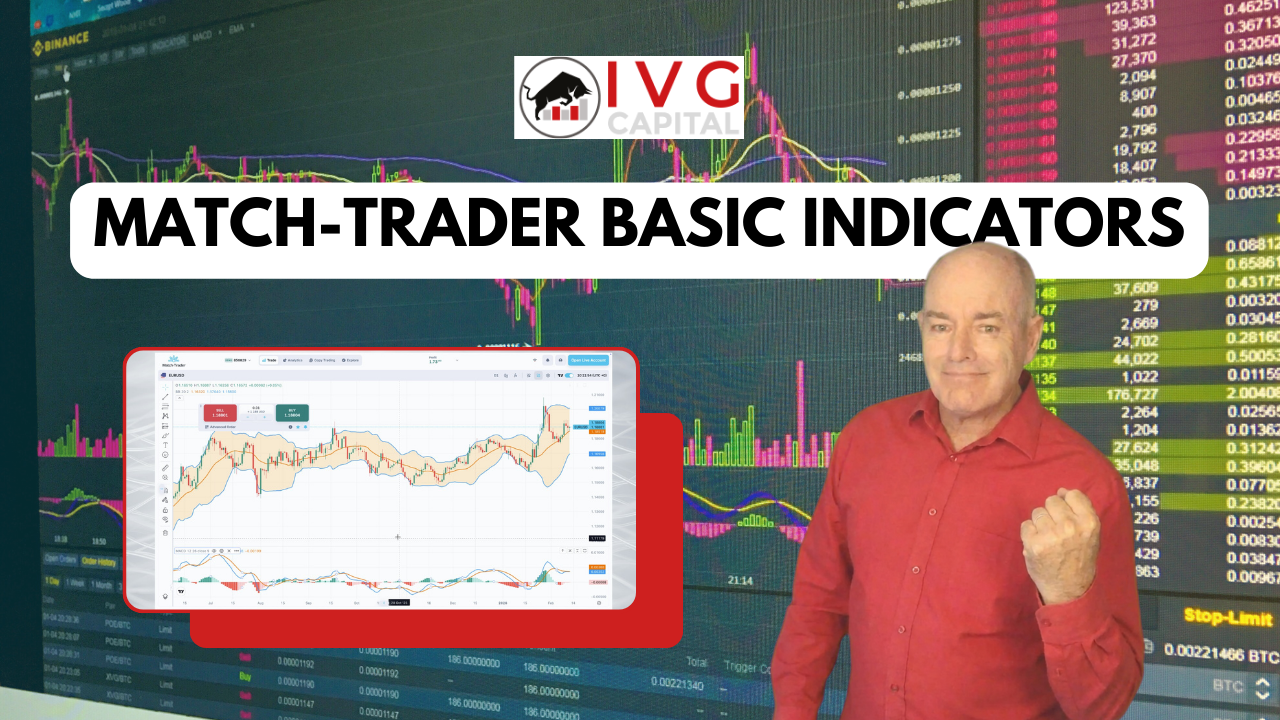
Introduction to Match-Trader Indicators
Match-Trader is a modern all-in-one platform designed for forex and CFD trading, offering powerful charting tools and technical indicators to help traders analyze market movements.
Technical indicators are essential for traders because they help identify market trends, momentum, and potential entry and exit points.
In this guide, we explore how to add and configure basic indicators in Match-Trader and TradingView charts, including moving averages, oscillators, and volatility indicators.
Watch the Full Match-Trader Indicators Tutorial
Watch the complete video explaining how to use indicators in Match-Trader.
How to Add Indicators in Match-Trader
To begin adding indicators in Match-Trader:
-
Click the Fullscreen icon to create more chart space.
-
Click the Add Indicator icon on the chart.
-
Scroll through the list of indicators or search for the one you want.
Once selected, you can customize the indicator’s parameters, colors, and line thickness.
Simple Moving Average (SMA)
One of the most commonly used indicators is the Simple Moving Average (SMA).
The SMA calculates the average price over a specific number of candles.
For example:
-
An 8-period SMA calculates the average price of the last eight candles.
-
The line is plotted directly on the chart to help visualize the trend.
Traders often use the SMA to:
-
Identify bullish or bearish momentum
-
Spot potential dynamic support and resistance levels
-
Confirm trend direction
Moving Average Cross Strategy
A common strategy uses two SMAs with different periods.
Example setup:
-
Fast SMA (short period)
-
Slow SMA (longer period)
When the fast SMA crosses above the slow SMA, it may signal a potential bullish move.
When the fast SMA crosses below the slow SMA, it may indicate bearish momentum.
This technique is widely used in trend-following strategies.
Editing or Removing Indicators
In Match-Trader, you can easily adjust or remove indicators.
To modify an indicator:
-
Hover over the indicator label
-
Click the pencil icon to change parameters
To remove an indicator:
-
Click the X icon next to the indicator label.
This flexibility allows traders to test different strategies quickly.
Oscillators in Match-Trader
Another category of indicators is oscillators, which appear in a separate panel below the chart.
Common oscillators include:
-
Stochastic Oscillator
-
MACD
-
Relative Strength Index
Oscillators help traders identify overbought and oversold conditions in the market.
These signals can provide potential entry and exit opportunities during both trending and ranging markets.
Backtesting Indicators
One useful feature in Match-Trader is the ability to backtest indicator settings.
You can do this by:
-
Scrolling backward through historical price data
-
Observing how indicators reacted to previous market movements
Indicators automatically recalculate when timeframes change, allowing traders to analyze strategies across multiple time intervals.
TradingView Indicators in Match-Trader
Match-Trader also integrates with TradingView, providing access to a much larger library of technical indicators.
To add indicators in TradingView charts:
-
Click the Add Indicator icon
-
Search for an indicator
-
Select it to apply it to the chart
Bollinger Bands Indicator
One of the most popular indicators available is Bollinger Bands.
Bollinger Bands consist of:
-
A 20-period moving average
-
An upper band
-
A lower band
The bands are typically set two standard deviations above and below the moving average.
Traders use Bollinger Bands to:
-
Identify volatility
-
Spot potential breakout opportunities
-
Detect overbought or oversold conditions
In most cases, traders keep the default settings but may customize colors or visual styles.
Indicator Visibility by Timeframe
TradingView allows traders to control when indicators appear.
For example:
-
Bollinger Bands can be set to display only on the daily timeframe
-
Indicators can be hidden on lower timeframes
This helps reduce chart clutter and focus on the most relevant data.
Saving Indicator Configurations
Once you configure indicators to match your strategy, you can save the settings as default templates.
Benefits include:
-
Faster chart setup in future sessions
-
Consistent trading analysis
-
Easy access across devices
Start Using Indicators in Match-Trader
Technical indicators are powerful tools that help traders analyze price action and identify potential trading opportunities.
By combining moving averages, oscillators, and volatility indicators, traders can develop strategies suited to different market conditions.
Stay tuned for upcoming tutorials in the Match-Trader video series, where we explore advanced indicator strategies and trading techniques.
Risk Disclaimer
CFDs and FX are leveraged products and trading them involves significant risk. Your capital may be at risk.