
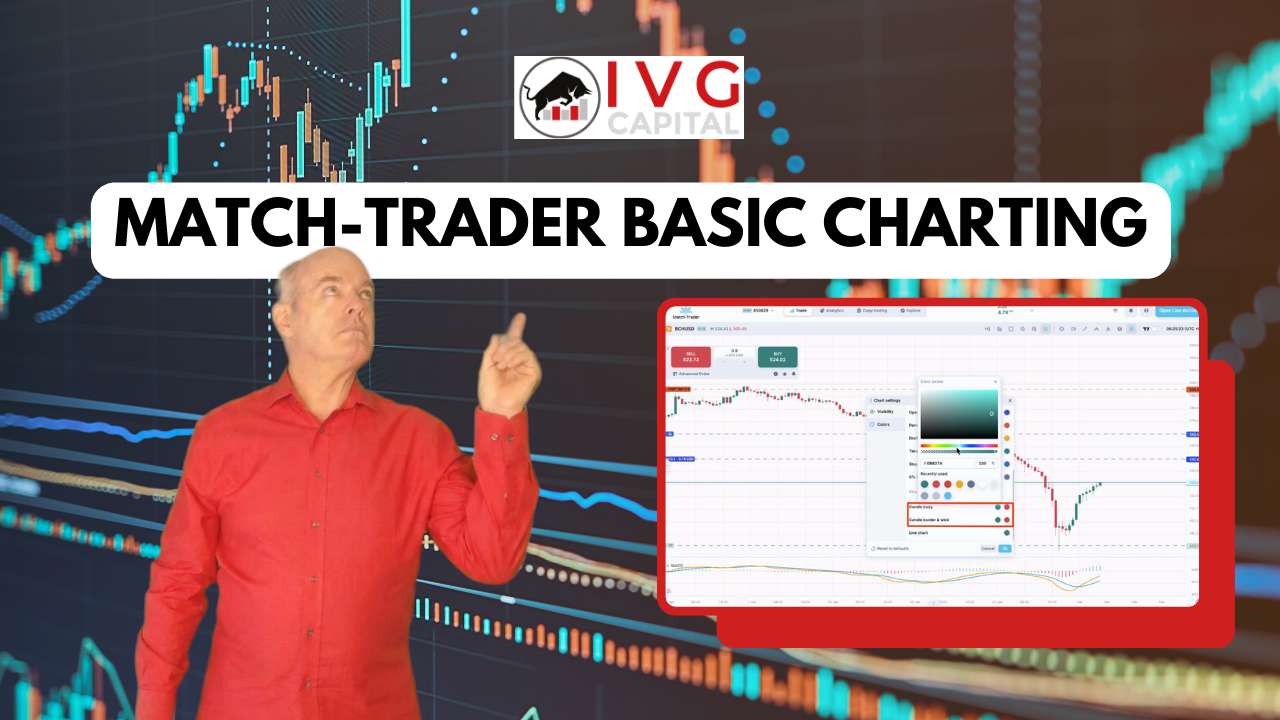
Introduction to Match-Trader Charting
Match‑Trader is a modern, all-in-one trading platform designed for forex and CFD trading. The platform offers an intuitive layout, powerful charting tools, and easy navigation that helps traders analyze markets efficiently.
Understanding how to use charting tools is essential for traders who want to track price movements, identify trends, and make informed trading decisions.
In this guide, we walk through the basic charting features in Match-Trader, including chart customization, indicators, timeframes, and navigation tools.
Watch the Match-Trader Basic Charting Video
Below is the full tutorial explaining how to use charting features on Match-Trader.
Customizing Your Chart Layout
Match-Trader allows traders to create more chart space by adjusting the platform layout.
You can:
-
Drag the Watchlist panel to close it
-
Hide the trade window
-
Click the Full Screen / Minimize icon to expand the chart view
These simple adjustments make it easier to focus on price movements and technical analysis.
Chart Settings and Visibility Options
Under Chart Settings, Go to Visibility, traders can customize what elements appear on the chart.
Options include showing or hiding:
-
Chart grid lines
-
Drawing tutorials
-
Ask line
-
Pending orders on the chart
-
Open positions displayed on the chart
These visibility settings allow traders to keep charts clean and focused depending on their analysis style.
Customizing Chart Colors
One of the most flexible features of Match-Trader is the ability to customize chart colors.
Under Chart Settings, Go to Colors, traders can change nearly every visual element of the chart.
Examples include:
-
Background color
-
Grid lines
-
Bid and Ask lines
-
Open position markers
-
Candle colors
By default, the chart uses red and green candles, but traders can adjust them to match their preferred trading style.
If needed, the chart colors can be reset to the default settings.
Indicators, Graphics, and Analysis Tools
Match-Trader includes several tools that help traders perform technical analysis.
Traders can access:
-
Technical indicators
-
Chart graphics and drawing tools
-
Trend analysis tools
Additional tutorials in the Match-Trader video series will explain indicators and graphics in greater detail.
Using the Ruler Tool
The Ruler tool is a useful feature for measuring market movements.
It allows traders to measure:
-
Price difference
-
Percentage change
-
Number of candles or bars
-
Time duration
-
Points movement
To hide the measurements, simply click anywhere on the chart.
Chart Navigation Tools
Match-Trader provides several tools for navigating charts efficiently.
Crosshair Tool
Traders can activate or deactivate crosshairs for precise chart reading.
Zoom Controls
Charts can be zoomed in or out using:
-
The zoom icons
-
The mouse wheel
Moving Price Action
You can click and drag the chart to move price action across the screen.
Compressing the Chart
The price axis can be dragged to compress or expand the chart vertically.
Displaying Price Changes
Match-Trader also allows traders to display the current symbol’s price change as a percentage, giving a quick overview of market performance.
This feature is useful for identifying strong movers during trading sessions.
Multi-Chart Mode
Match-Trader includes multi-chart layouts that allow traders to monitor several instruments at the same time.
Preset configurations make it easy to view multiple charts in a single workspace.
The platform also automatically saves your last viewed charts, making it easy to continue where you left off.
Changing Trading Symbols
To change the asset displayed on a chart:
-
Click the chart to make it active
-
Select a new instrument from the Watchlist
This allows traders to quickly switch between different markets.
Chart Types Available in Match-Trader
Match-Trader offers several ways to display price action.
Traders can choose between:
-
Candlestick charts
-
Bar charts
-
Line charts
-
Area charts
Candlestick charts are the most commonly used for technical analysis and pattern recognition.
Timeframe Selection
Match-Trader supports multiple timeframes ranging from:
-
1-minute charts for short-term trading
-
Up to 1-month charts for long-term analysis
This flexibility allows traders to analyze both short-term market movements and long-term trends.
TradingView Charts Integration
Match-Trader also integrates TradingView charts, providing advanced charting capabilities and additional tools.
The next video in the series will explore TradingView features inside Match-Trader.
Start Your Trading Journey with Match-Trader
Match-Trader’s charting system provides traders with a powerful yet simple interface for market analysis.
By customizing chart layouts, using technical tools, and selecting the right timeframes, traders can develop strategies and analyze markets more effectively.
Stay tuned for more tutorials in the Match-Trader video series, where we will explore advanced charting tools, indicators, and trading strategies.
Risk Disclaimer
CFDs and FX are leveraged products and trading them involves significant risk. Your capital may be at risk.